Student Email
Welcome Email
Upon being admitted to the Polish-Japanese Academy of Information Technology, you will receive a welcome email at the private address provided during the recruitment process. This email will contain your login and temporary password.
Security First
Make sure to change your password upon first login to secure your account.
How to Log In
Go to Gmail
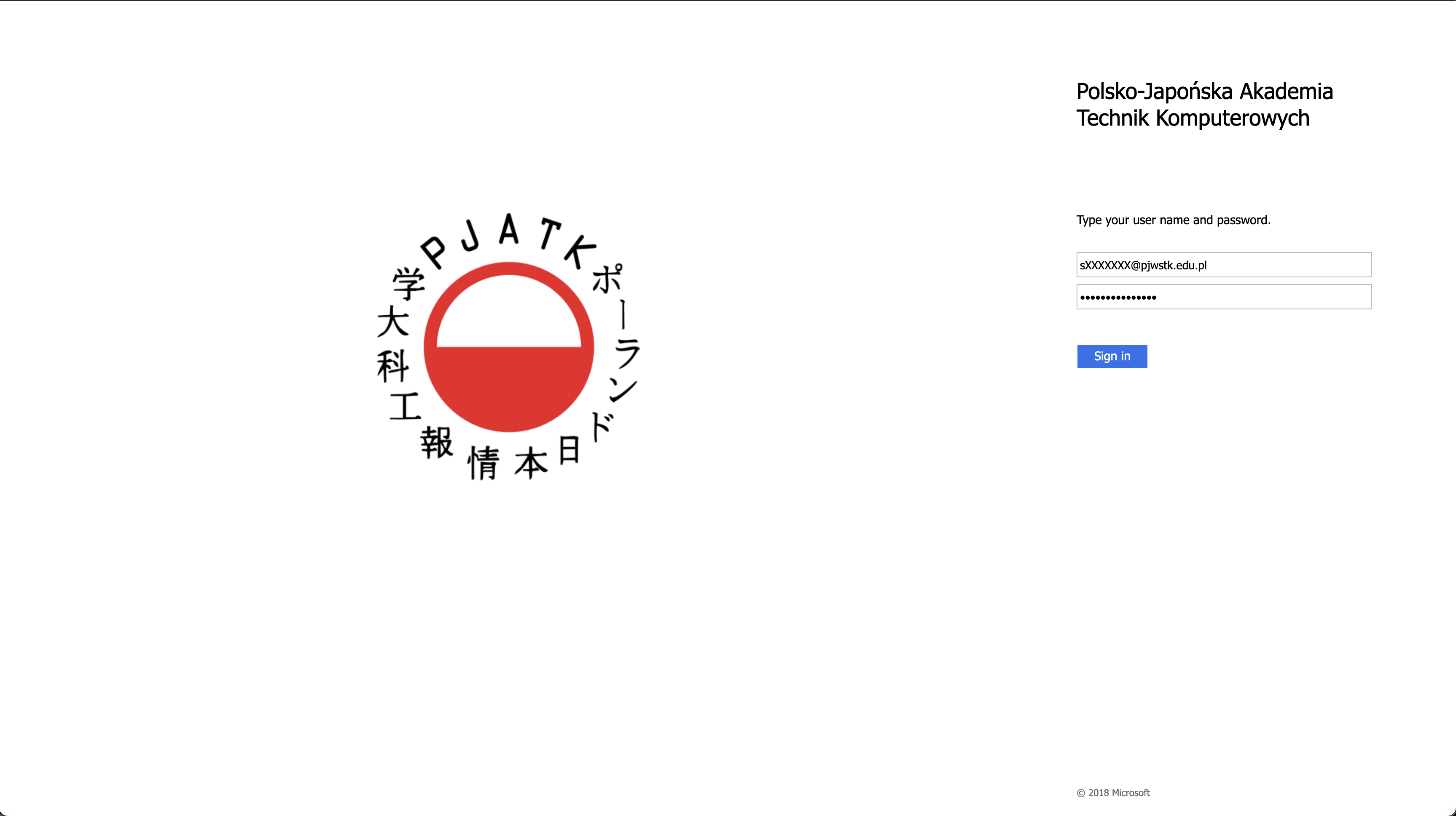
Open a web browser and navigate to the university mail service.
Enter Credentials
- Email: Enter the address received in the welcome email (e.g.,
sXXXXXXX@pjwstk.edu.pl). - Password: Enter the temporary password received in the welcome email.
(After successful login, you will be redirected to your inbox.)
Login Issues?
If you cannot log in, ensure you are using the correct credentials. If problems persist, contact the IT department.
How to Change Password
Go to Password Manager
Visit the password management page.
Authenticate
Enter your login (e.g., sXXXXXXX) and current password.
Set New Password
Select “Change password” and choose to either:
- Set a new password manually.
- Generate a password automatically.
Enter the new password twice and confirm.
Strong Password Tip
Use a combination of letters, numbers, and special characters to create a strong, secure password.
Frequently Asked Questions
I didn’t receive the welcome email
- Check the Spam folder in your mailbox.
- Ensure you provided the correct email address during recruitment.
- If still missing, contact the Recruitment Department.
Can I use mobile devices?
Yes. You can configure your account on mobile devices using the Gmail app. simply enter your login details and follow the prompts.
I forgot my password
Use the “Forgot password?” option on the Password Page to reset it. If issues persist, contact IT.
Stay Informed
Regularly check your inbox to avoid missing important information from the university.