Gakko - For New Students
First Login
Welcome Email
After being admitted to PJATK, you will receive a welcome email (welcome@pja.edu.pl) containing your login and temporary password.

Log In
To log into GAKKO, click the red link in the email or go directly to https://gakko.pjwstk.edu.pl.
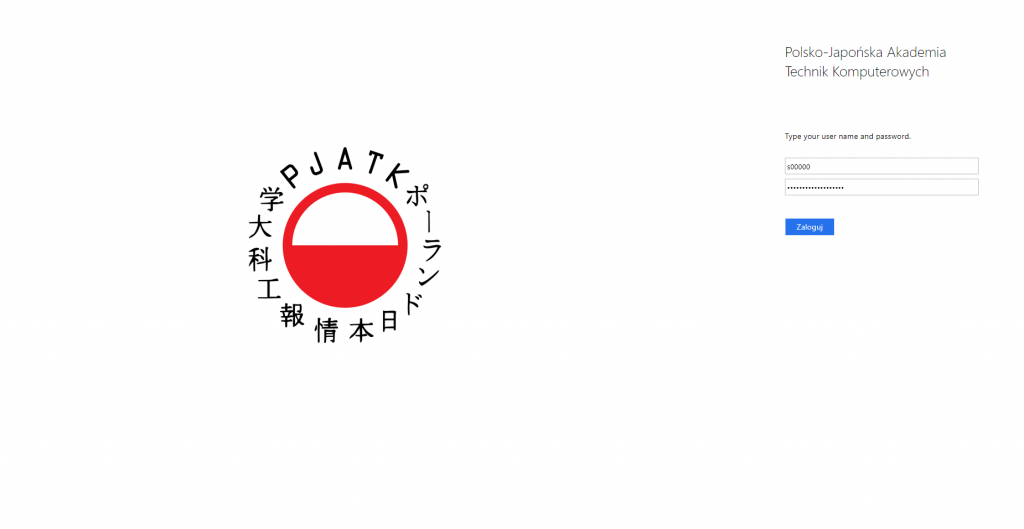
Access System
After logging in, you will be redirected to the main dashboard.

Dashboard Overview
Use the sidebar to navigate. Click Dashboard to return to the main view.
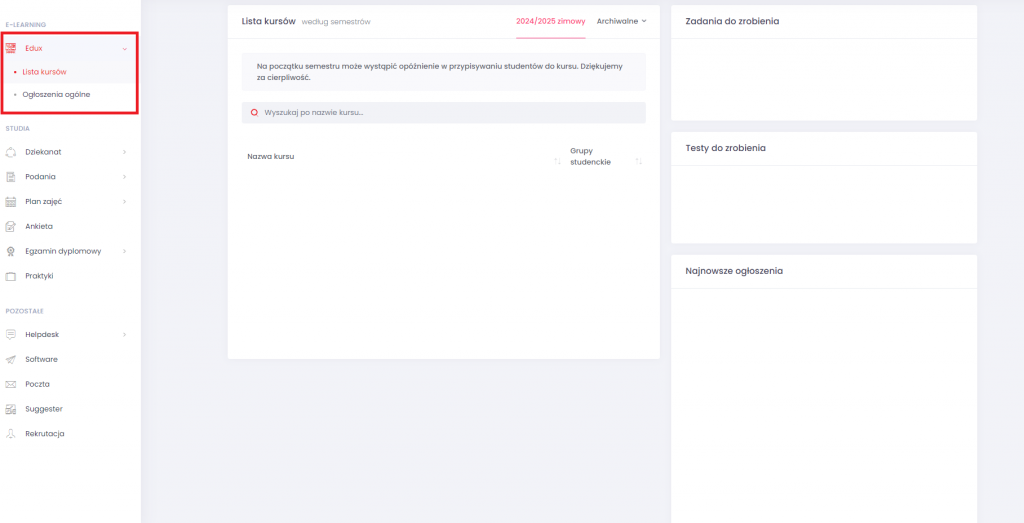
Edux Tab
This tab contains course materials and detailed class information.
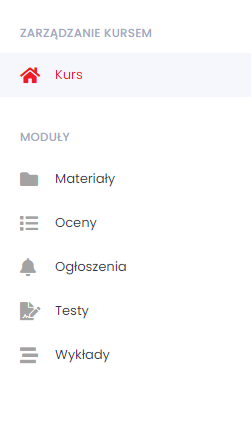
Modules Available:
- Materials — shared files
- Grades — exercise/test scores
- Announcements — from instructors
- Tests — subject-related quizzes
- Lectures — recordings/notes
Dean’s Office
Administrative center for your studies.
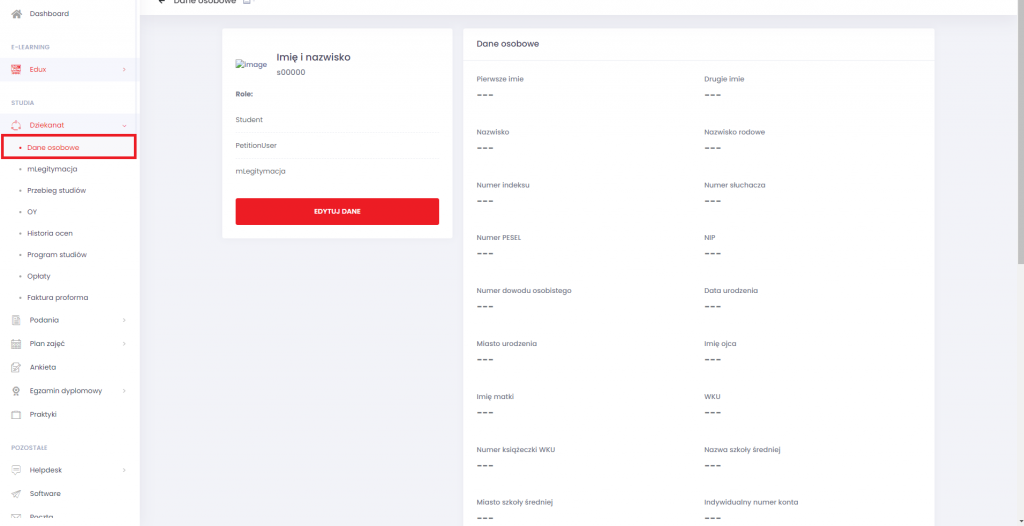
Personal Data
View your recruitment data and individual account number for tuition.
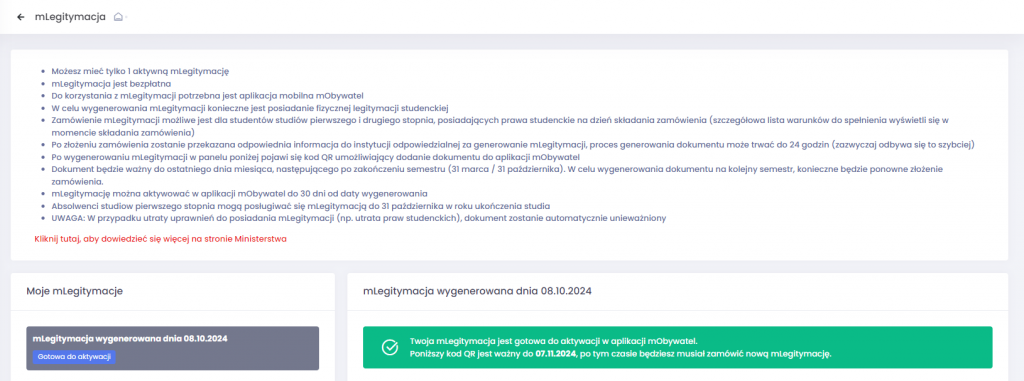
mLegitymacja
Order your electronic student ID.
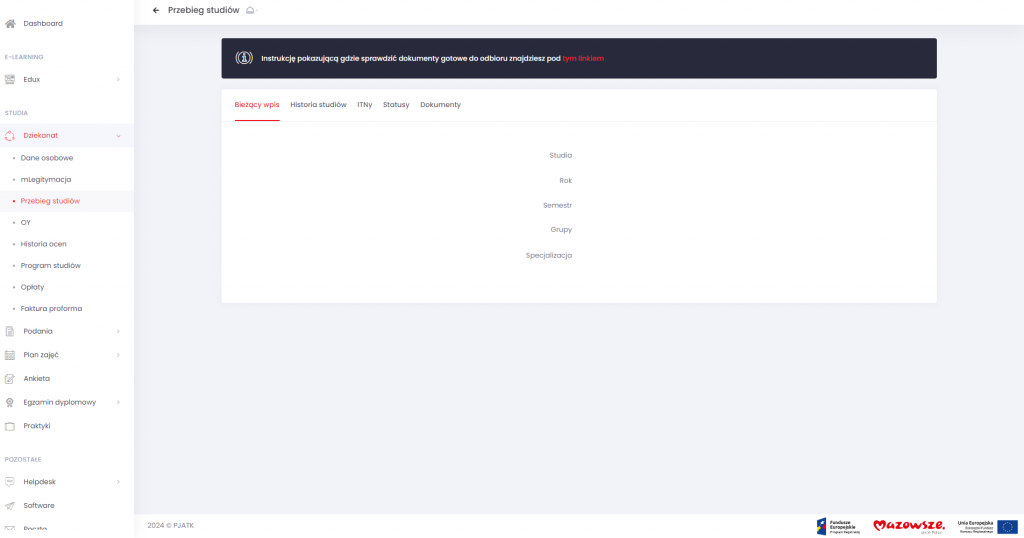
Study Progress
Check enrollment status, ITNs, student status, and document readiness.
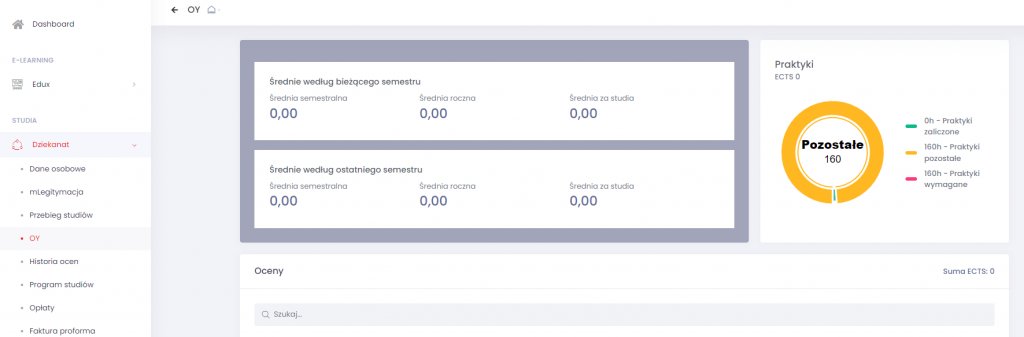
OY & History
View your Grade Average, Final Grades, and Internship info.
Payments & Invoices
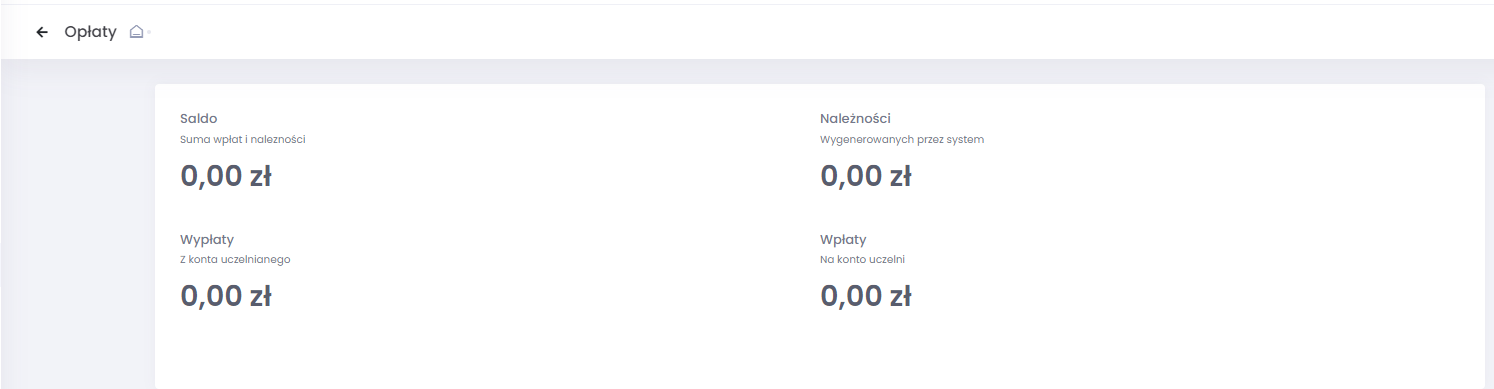
Check dues, payments made, and generate proforma invoices.