Adobe Creative Cloud for Students
Home License Restriction
Only students of New Media Art (SNM) and Cognitive Science have a license that allows installation and use of Adobe Creative Cloud programs on personal (home) devices.
On-Campus Access
Adobe Creative Cloud programs are available for every student on computers at the academy.
Installation and Login
Download Creative Cloud
Download the Creative Cloud desktop app from the official Adobe website.
Install the App
Run the installer and follow the on-screen instructions to install the Creative Cloud desktop app.
Log In
- Open the Creative Cloud app.
- Enter your student email address (
sXXXXXX@pjwstk.edu.pl) and click Continue.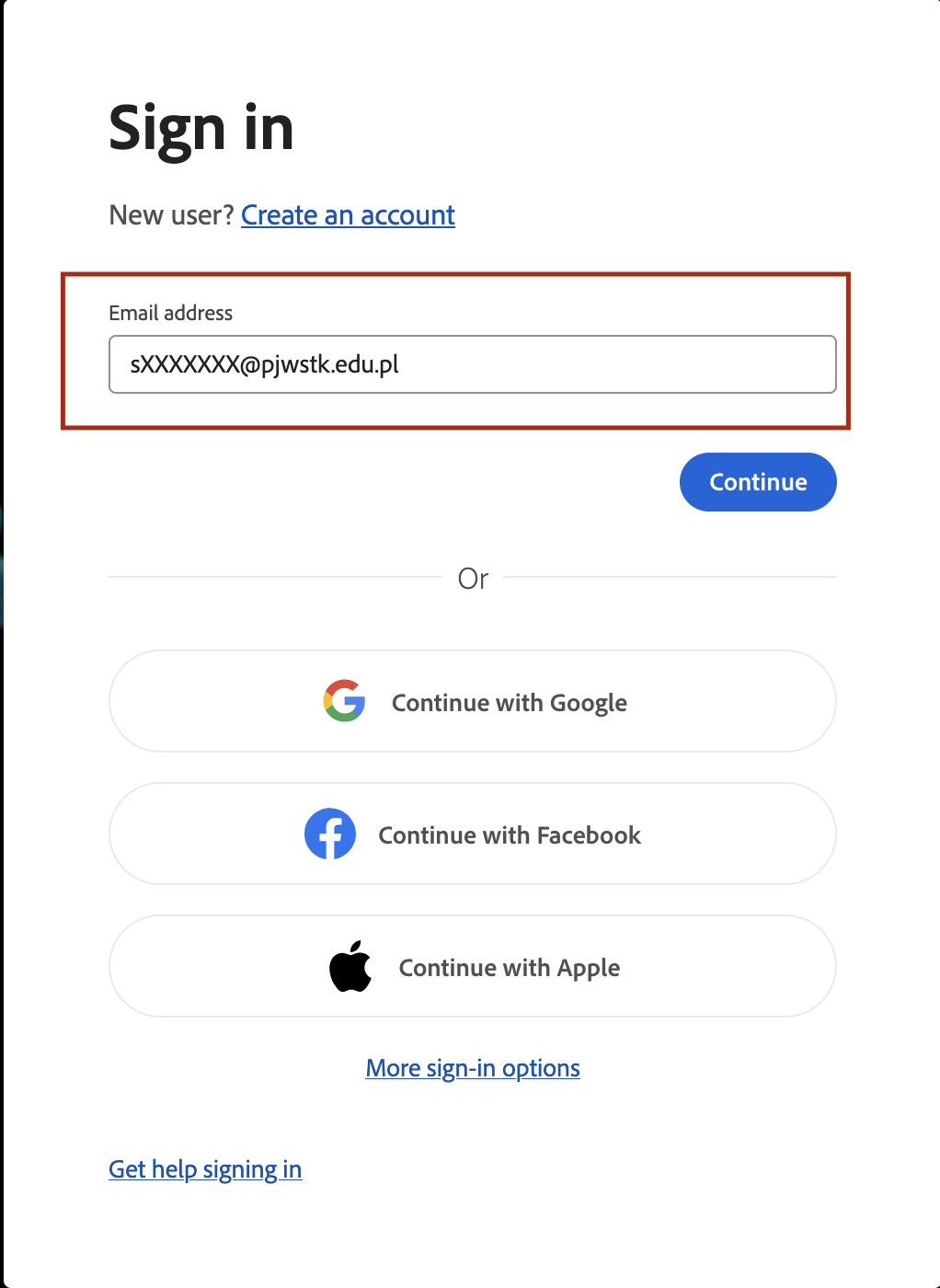
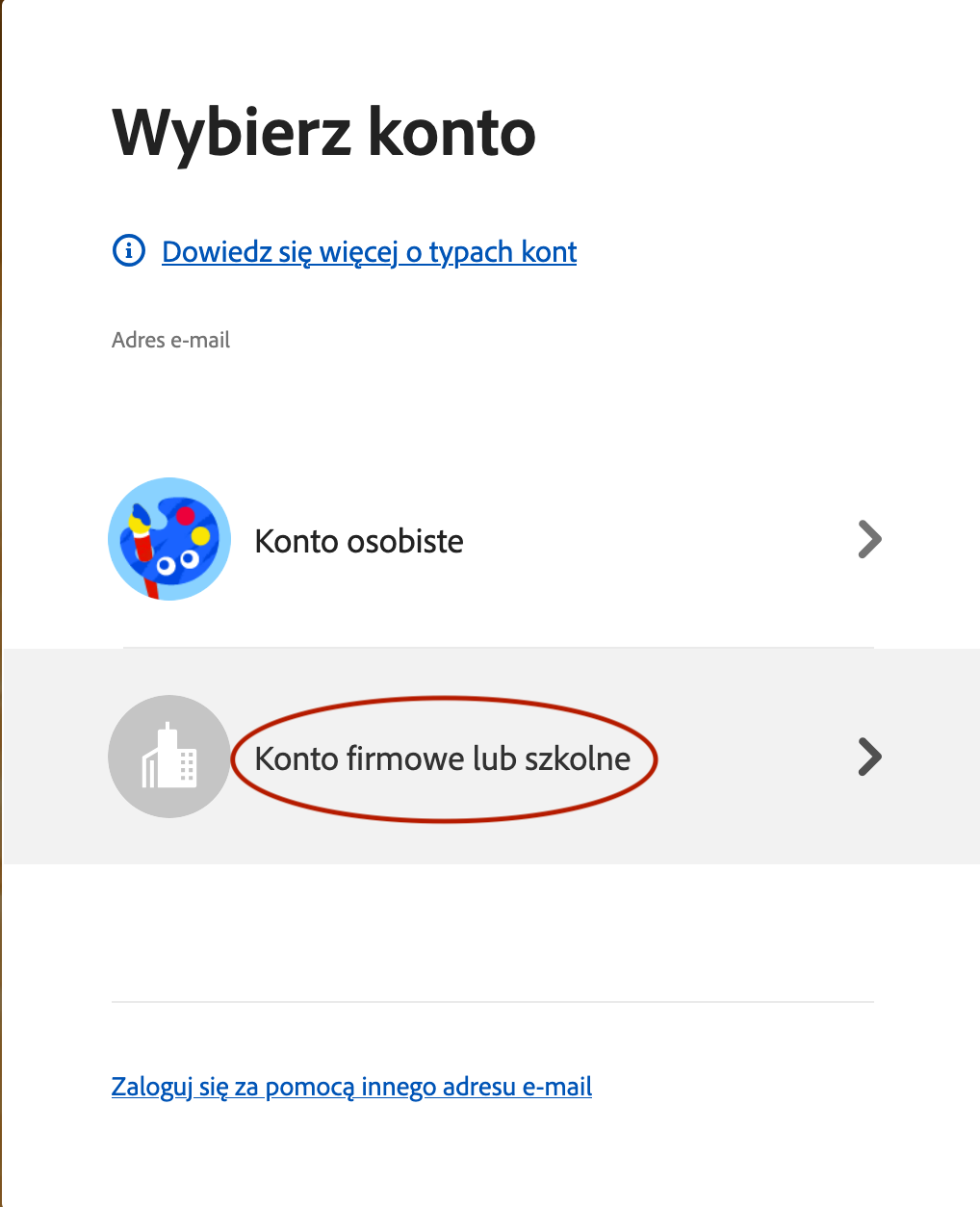
- If prompted to select an account type, choose Company or School Account.
Authenticate
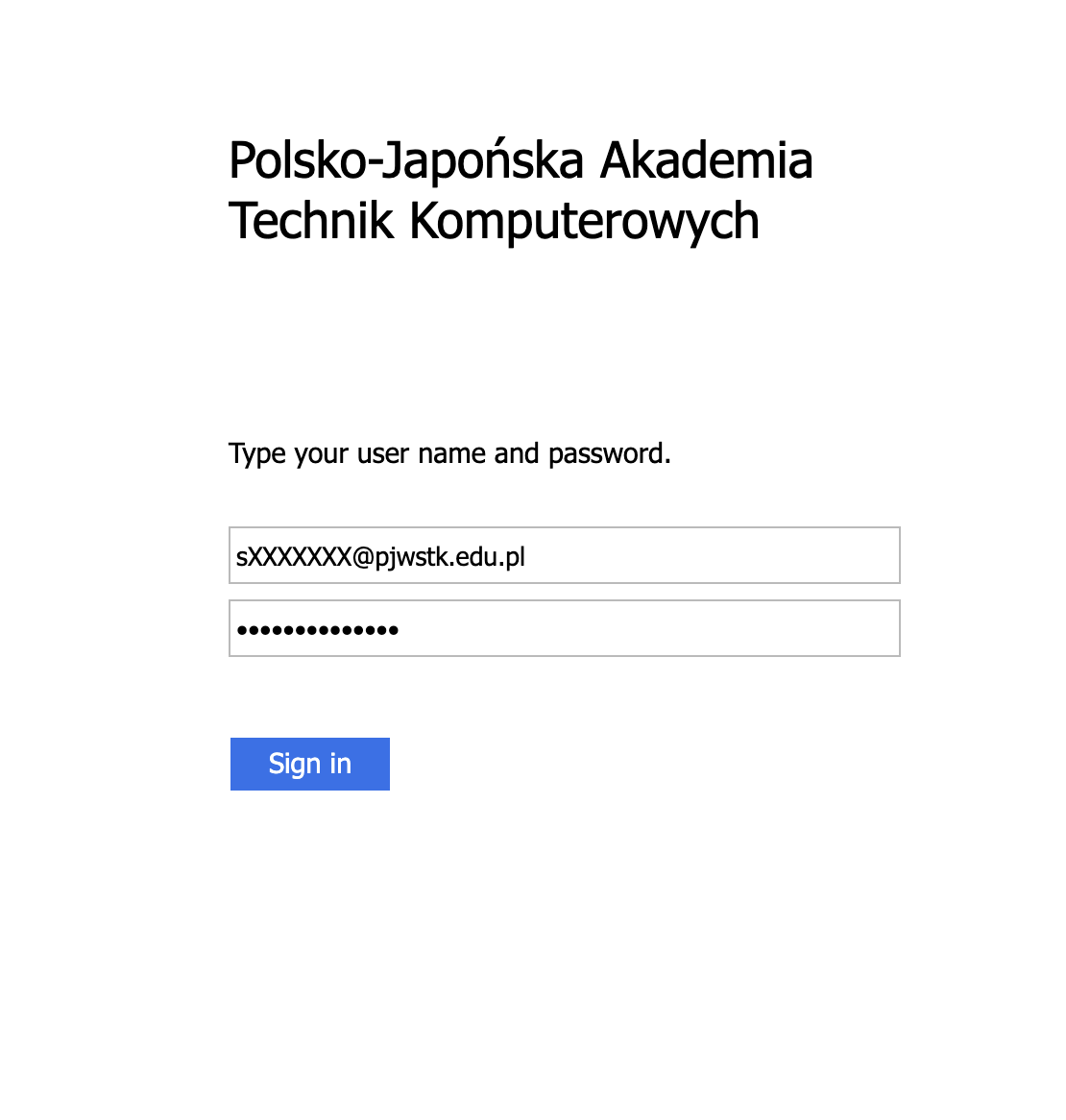
You will be redirected to the PJATK login page. Log in with your standard student credentials.
Install Apps
Once logged in, you can browse and install all available Adobe applications (Photoshop, Illustrator, Premiere Pro, etc.) from the Apps tab.