Passwords
Password Change
Visit Website
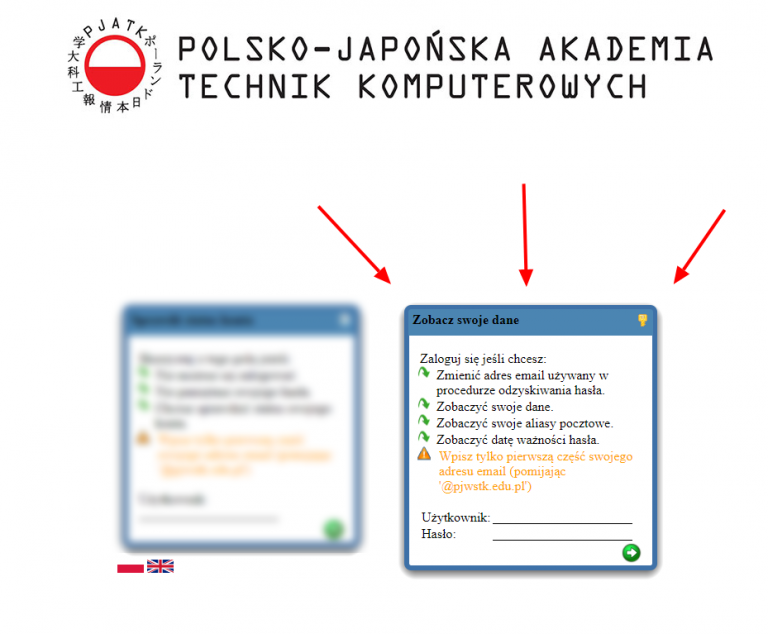
Go to https://haslo.pjwstk.edu.pl.
Enter Credentials
Enter your login credentials in the window on the right side.
Password Policy
Requirements
- Length: 8 or more characters.
- Complexity: Characters from 3 of the 4 categories:
- Lowercase (a-z)
- Uppercase (A-Z)
- Digits (0-9)
- Special characters (e.g.,
!#$%^&*()_+{}:";',.?)
- Uniqueness: Must be different from previous passwords.
- Restriction: Cannot contain your username.
Safe Characters
Although non-ASCII characters are technically possible, please refrain from using them. Use this safe alphabet:
abcdefghijklmnopqrstuvwxyz
ABCDEFGHIJKLMNOPQRSTUVWXYZ
0123456789
!#$%^&*()-_+=~[]{}|\:;?/@
Password Validity
Expiration Rules
- Duration: 180 days.
- Notifications:
- 15 days prior: Alert during local login.
- 7 days prior: Email notification.
- Lockout: After 3 failed attempts, the account is blocked for 2 minutes.
Forgotten Password
Visit Recovery Site
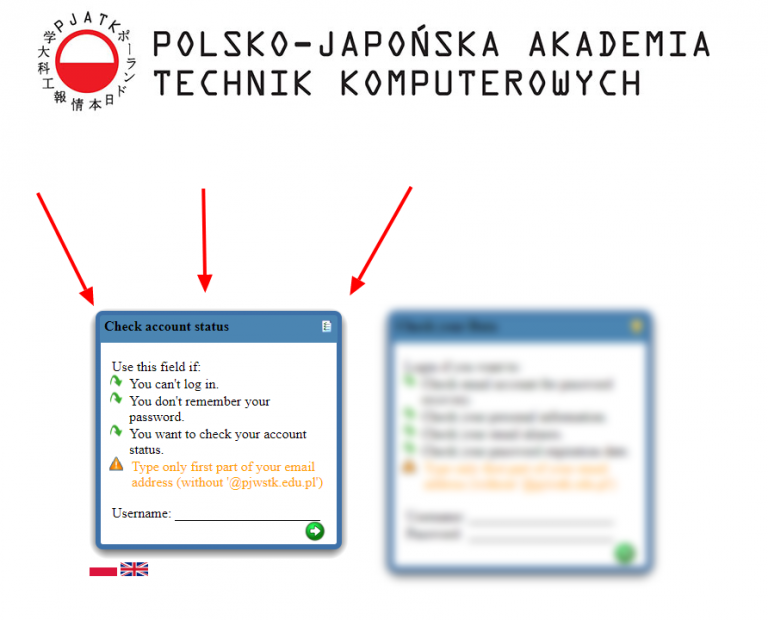
Go to http://haslo.pjwstk.edu.pl.
Select Reset Option
Use the window on the left side.
Request Link
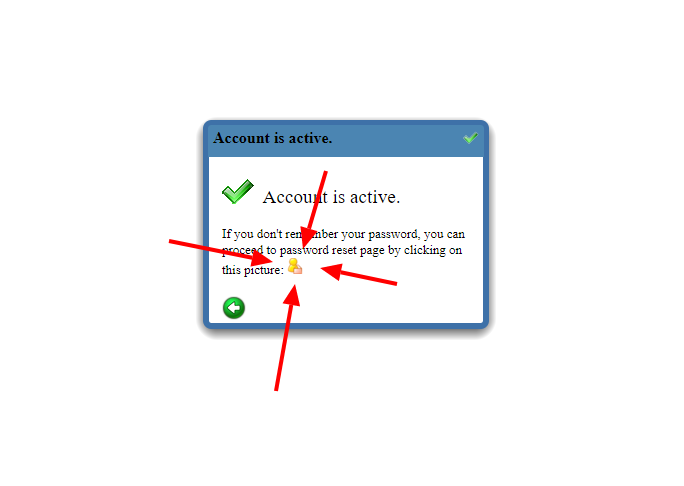
Enter your login and click the yellow icon to proceed.
Check Email
A reset link will be sent to the private email address provided during recruitment.
Where Your Password Works
We strive to integrate services with the Windows Active Directory (AD) password database, but some exceptions exist.
Compatible Services
The following services use your PJWSTK domain password:
Incompatible Services
The following services require separate passwords: