OpenLab - access to laboratories with graphics cards
OpenLab is a platform that enables remote access to laboratories equipped with high-performance graphics cards. This is particularly useful for people involved in learning and research in artificial intelligence, machine learning, and other areas requiring significant computing power.
How to connect to OpenLab?
To access OpenLab resources, follow these steps:
Download and install Horizon Client
Download and install the Omnissa Horizon Client application:
- Official Omnissa website for all systems — latest version for all operating systems
- Tested version for Windows — recommended for most users
Add Server
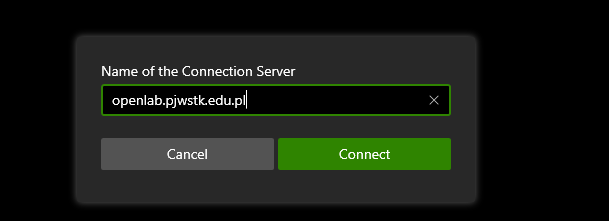
After launching Horizon Client, click the “Add Server” button.
Connect
Add server address openlab.pjwstk.edu.pl and click “Connect”.
Login
Log in using your university account credentials.

Access Resources
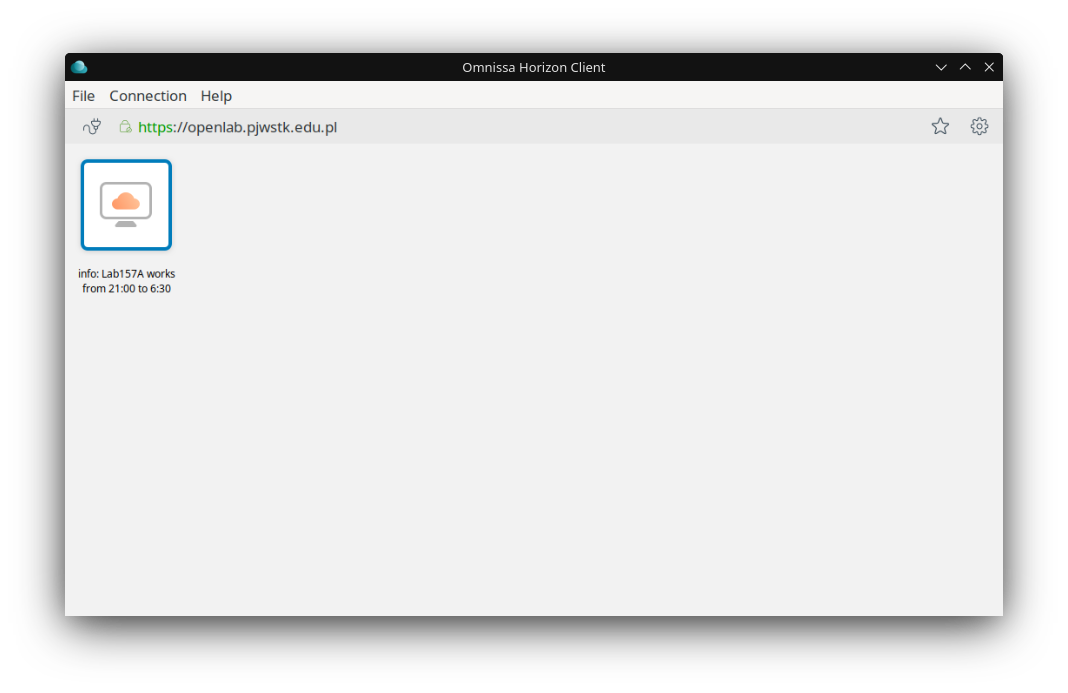
After logging in, you will gain access to available laboratory resources.
How does OpenLab work?
OpenLab consists of computers located in university laboratories, which are equipped with powerful graphics cards. These computers are available remotely, allowing you to use their computing power from anywhere with internet access.
Available resources
OpenLab laboratories are equipped with:
- Computers with NVIDIA RTX graphics cards
- Pre-installed software for graphical applications and computations
- Access to development tools and libraries
Technical support
If you experience technical issues while using OpenLab, contact the system administrator through the support ticket system available on the university’s main website.